 good roots
Editor’s note: This post was originally published in February 2024. Since then, Intuit stopped selling new subscriptions to most QuickBooks Desktop products in the United States (as of September 30, 2024), and services for QuickBooks Desktop 2023 were discontinued after May 31, 2026. For our current recommendation, read QuickBooks Desktop to Online for Farms: Should You Switch?
The idea of moving from QuickBooks Desktop (QBD) to QuickBooks Online (QBO) can be daunting. Depending on how many years you’ve used the software, it may hold a lot of data your business needs.
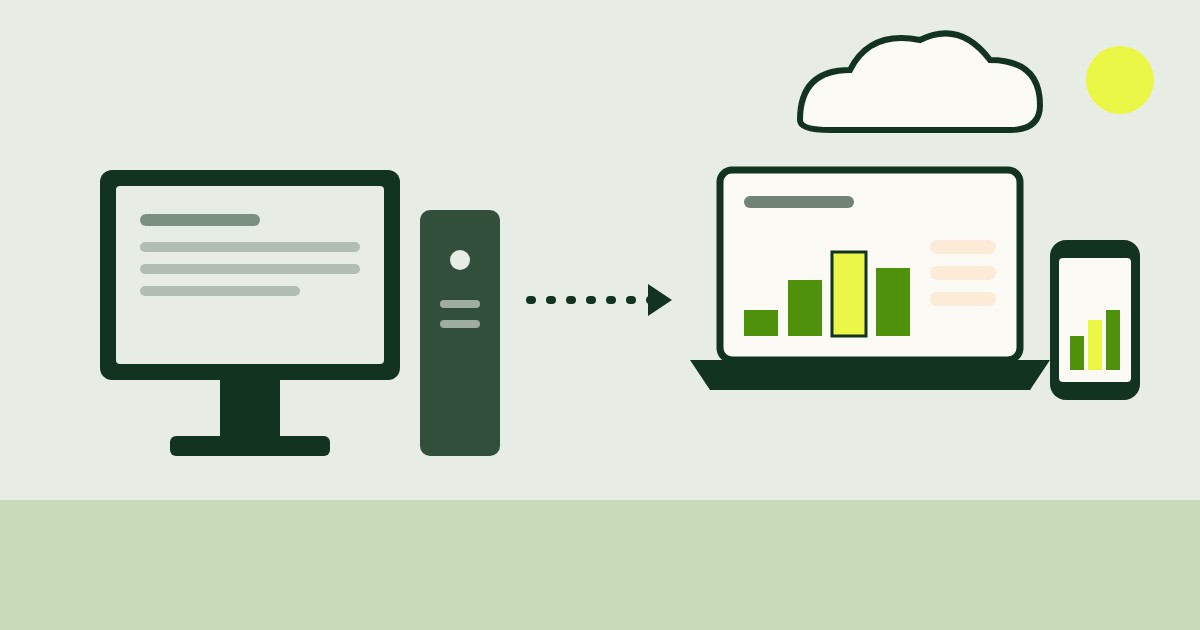
While “If it ain’t broke, don’t fix it” might seem to apply here, there are a few key reasons our consultants recommend making the change sooner rather than later. QuickBooks is encouraging users to convert as it moves away from supporting locally installed Desktop software, and cloud-based QBO has features that can take your financial management to the next level. In this post, we cover the limitations of QBD, the benefits of QBO, and how we can help with the transition.
The Limitations of QuickBooks Desktop
QBD has notable limitations to consider. Without the cloud capabilities of QBO, collaboration is limited. QBD users often run into trouble accessing reports, setting up templates, and troubleshooting from remote locations, which makes teamwork harder. Your files are also stored locally, so if your computer is stolen or damaged in a fire, flood, or storm, your information can be gone with no chance of recovery.
Another drawback is that QuickBooks ends software support and updates for each Desktop version after about three years. For example, updates for QuickBooks 2021 ended in 2024. To stay current, users must upgrade, and QuickBooks charges annual fees to maintain those upgrades. Under that policy, QuickBooks Desktop 2023 was scheduled to lose support in 2026.
If you choose to stay on QBD for now, we recommend turning on bank feeds or using the bank transaction upload feature every month. This keeps transactions up to date, saves considerable time, and reduces errors from manual entry.
The Benefits of Switching to QuickBooks Online
Collaboration and accessibility
QBO makes collaboration easier by giving multiple users, including staff, accountants, and consultants, their own logins with different permission levels. It also keeps a time-stamped audit trail, so you can see who made changes and when. That comes in handy when you’re tracking down the cause of a problem.
Streamlined bookkeeping tools
QBO offers a suite of tools that streamline bookkeeping, from bank feeds and app-based receipt capture to email invoicing with electronic payment options and integrations with bill pay and payroll providers. These features make your financial management faster and more accurate.
Real-time expense tracking
Bank feeds in QBO let you track income and expenses in real time, which cuts down on manual entry errors. That saves time, speeds up monthly bookkeeping, and keeps your reports current. QBO’s bank feed rules are also simpler than Desktop’s, making it easy to categorize online banking transactions automatically.
Quicker bank reconciliation
Bank reconciliation in QBO is noticeably quicker and smoother than in QBD.
Efficient invoicing
With QBO, you can email invoices to customers with options for ACH or electronic payment. Unlike Desktop, QBO also shows you when a customer has opened an invoice.
A strategic shift pushed by QuickBooks
QuickBooks is actively encouraging users to move to QBO, and annual payments for Desktop updates are becoming mandatory. Staying on an outdated Desktop version can make converting to an online account more complicated later.
Extensive app integrations
QBO offers more than 750 app integrations, compared to Desktop’s limited options. That flexibility helps QBO meet a wide range of business needs.
Data security and auto-saving
With QBD, a computer crash without an external backup could mean losing your data. QBO continually backs up data to the cloud and saves changes automatically, so years of bookkeeping records are protected and data loss is highly unlikely.
“I am still navigating the many benefits of transitioning from QuickBooks Desktop to QuickBooks Online. It’s great from the sense that it’s easily accessible by everyone, and can lead to increased accuracy and accountability. Lindsey has been incredibly patient and kind, and has been doing this so long and has so many helpful Google Drive docs to help me learn, and remember, and relearn. Because obviously this part of the business shouldn’t take you away from the most important stuff you do every day!”
Amy Brickner, Destiny Dairy Bar
Why Make the Switch With Good Roots’ Support
You can convert from QBD to QBO on your own, but it’s a significant transition, and getting help can save you time and headaches. Our consultants can guide you through setting up, understanding, and using QBO. Drawing on our experience with many clients, we can recommend which features fit your business best so you save time and use the platform well.
Our team can also take on the heavy lifting of the technical conversion and train you on the new interface. We’ve done dozens of conversions for and with our clients, so we know how to verify the results and troubleshoot any issues.
To set your team up for success, we provide training sessions and document each step as standard operating procedures (SOPs), so your staff can use QBO confidently in your day-to-day operations.
And finally, setting up your new QBO account through our group membership gives you access to our bulk pricing discount. Learn more about the QBO group membership.
Ready to talk about converting from QuickBooks Desktop to QuickBooks Online? See how our accounting team works, or book a free 20-minute call.